Run intake and collaborate with your clients in Spaces
Last updated: November 23, 2026
This week you can share questionnaires, reports, and documents with your clients in Spaces, subscribe to notifications on the specific clients and matters you care about, and research case law directly in Parley.
Share questionnaires, reports, and documents with your clients through Spaces
Spaces are a white-labeled client portal, custom to your firm, for intake and collaborating with your clients directly.
Send questionnaires and document requests, and Parley notifies you when your client submits. Share your work products like forms and dashboards straight into the Space for your client's review.
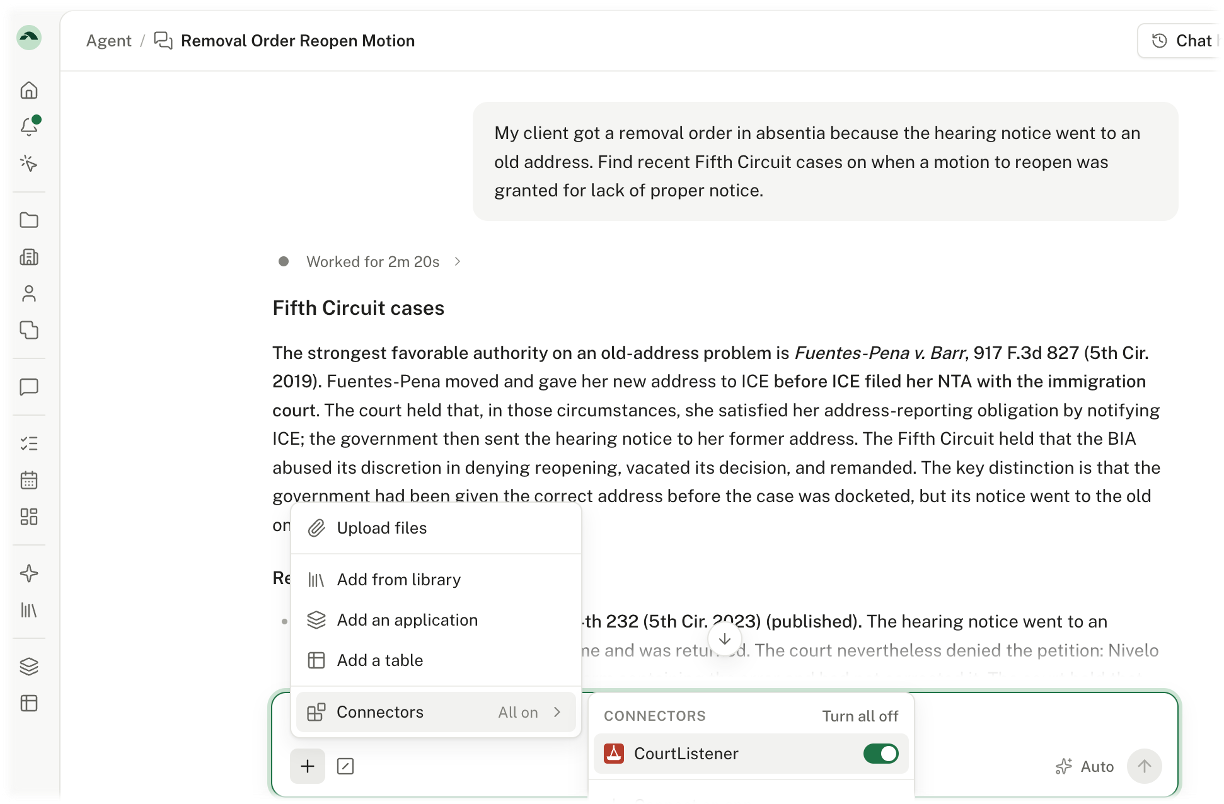
Search case law and verify citations right from the Agent
CourtListener is the Free Law Project's free database of court opinions, PACER dockets, and judges, and you can now connect it directly to Parley.
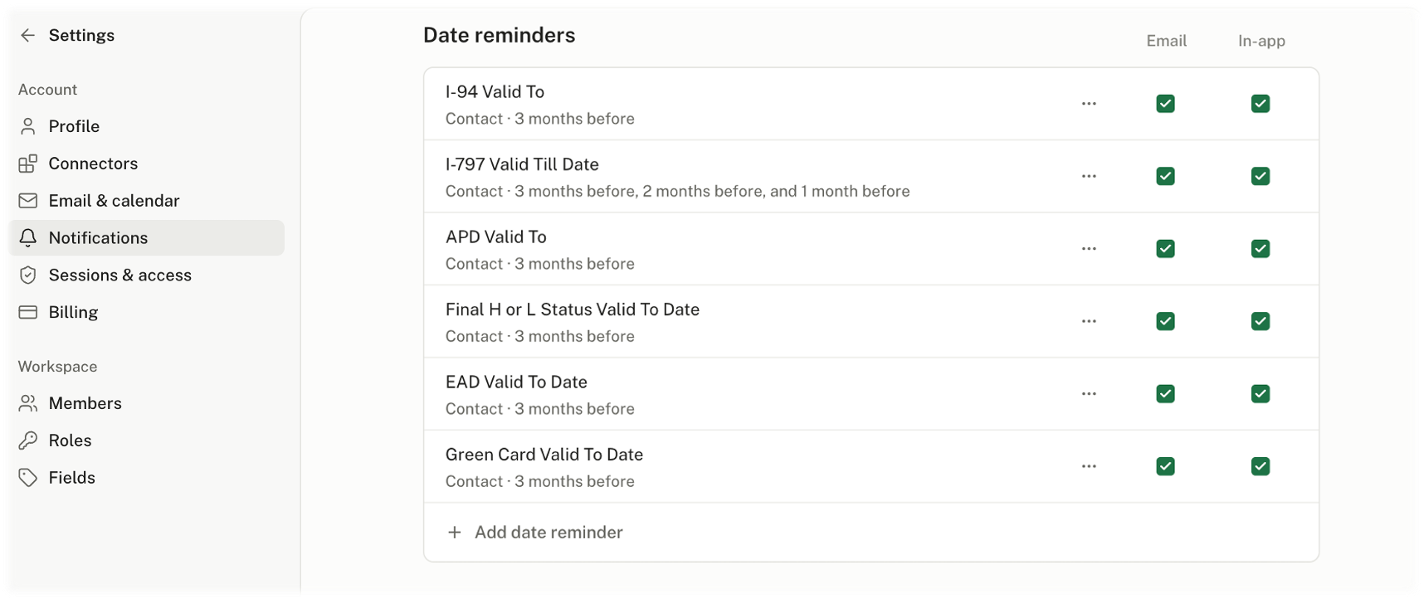
Subscribe to individual records in Parley to receive reminders for those specific clients and matters
Add yourself as a subscriber to any Parley record and receive notifications on key dates and deadlines for that client or matter. Choose how many days before or after each date you're reminded, and add teammates as well.
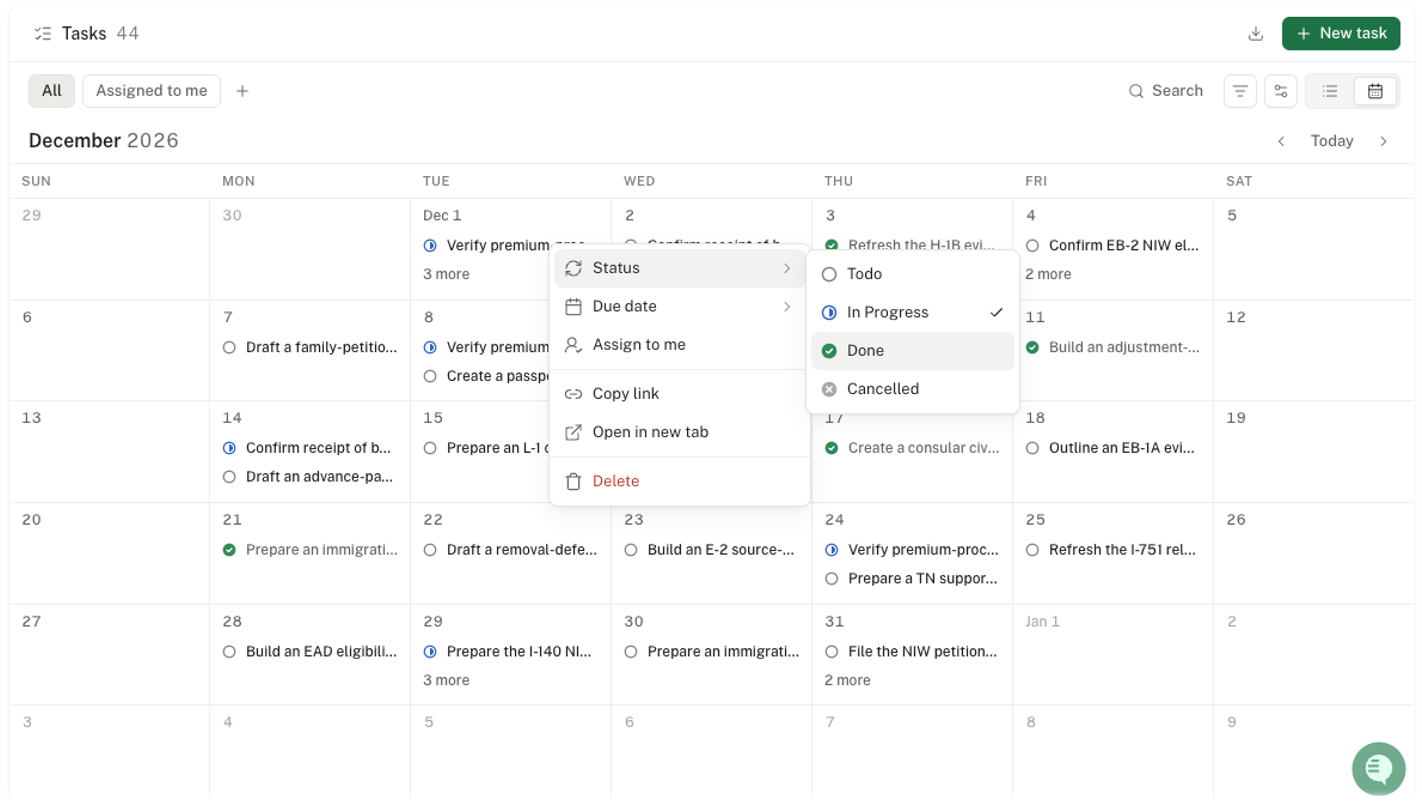
Organize your tasks in a calendar view across clients and matters
Tasks now have a Calendar layout. Every task shows on its due date, with the same filters and search as the list. Drag a task to another day to change its due date.
You can also set several reminders on one task, see who changed what in each task's activity log, and add your own custom fields to tasks.
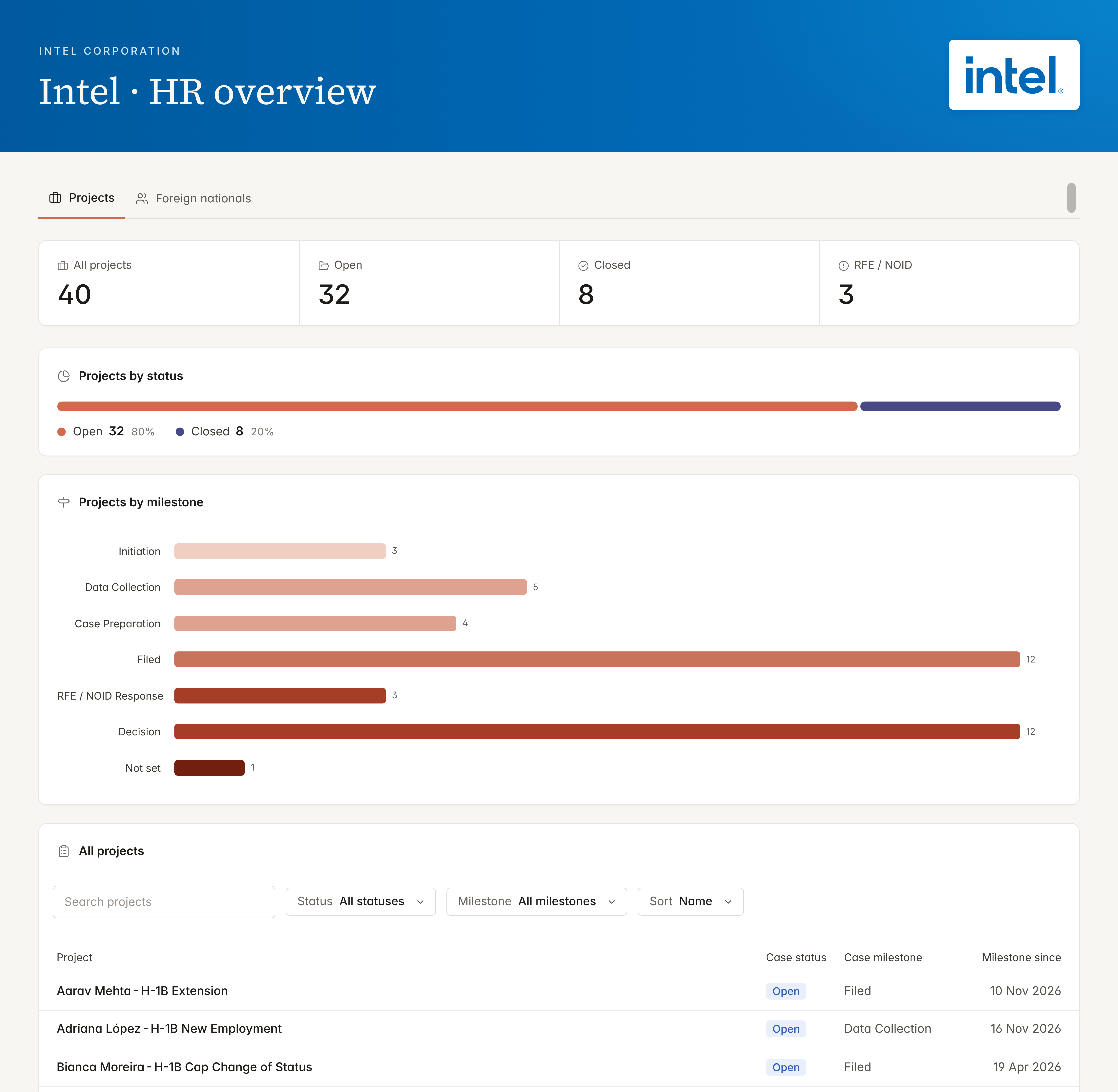
Save your favorite views of projects, contacts, and tasks
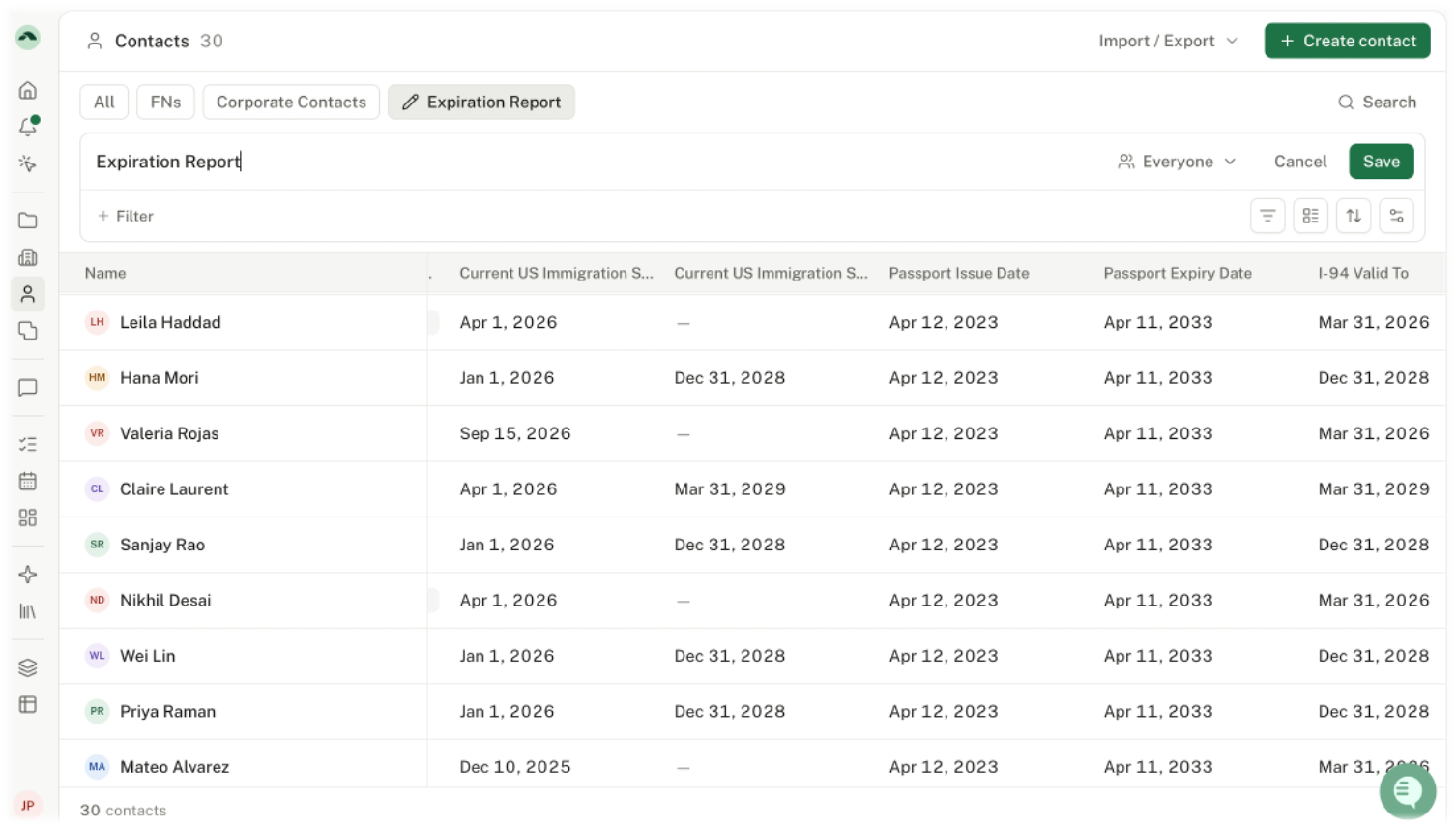
Save custom filters, sorting, grouping, and columns you use most as a view, and switch between views from the tabs above any dashboard.
Create and save custom reports to quickly export data from your clients and matters.
Additional improvements
Automations can now be triggered when a field changes its value, like when the matter type is set or the status is changed
Connect to eBillity through Parley's Connectors to handle billing directly in Parley
Preview a Space exactly as your client sees it, from the People list in any Space
The Parley home page now shows your Tasks, Meetings, and Recents for quicker access
Choose the font and size of every field when drafting or editing a form
The Agent can ask for a website login or one-time code right in the chat, and you can save website logins in Parley's password manager in Settings
Firm owners and admins can set email sync filters for every synced mailbox
Fields on Projects, Accounts, and Contacts can now be reordered in Parley Settings
Contacts now support multiple email addresses and synced email threads